
9. In-game Console Commands
Lights (front, rear, brakes), Flames, Digital Instruments, Panels and Ground collider can be adjusted real time in-game by using the built-in console commands. Press HOME to open the in-game command window.
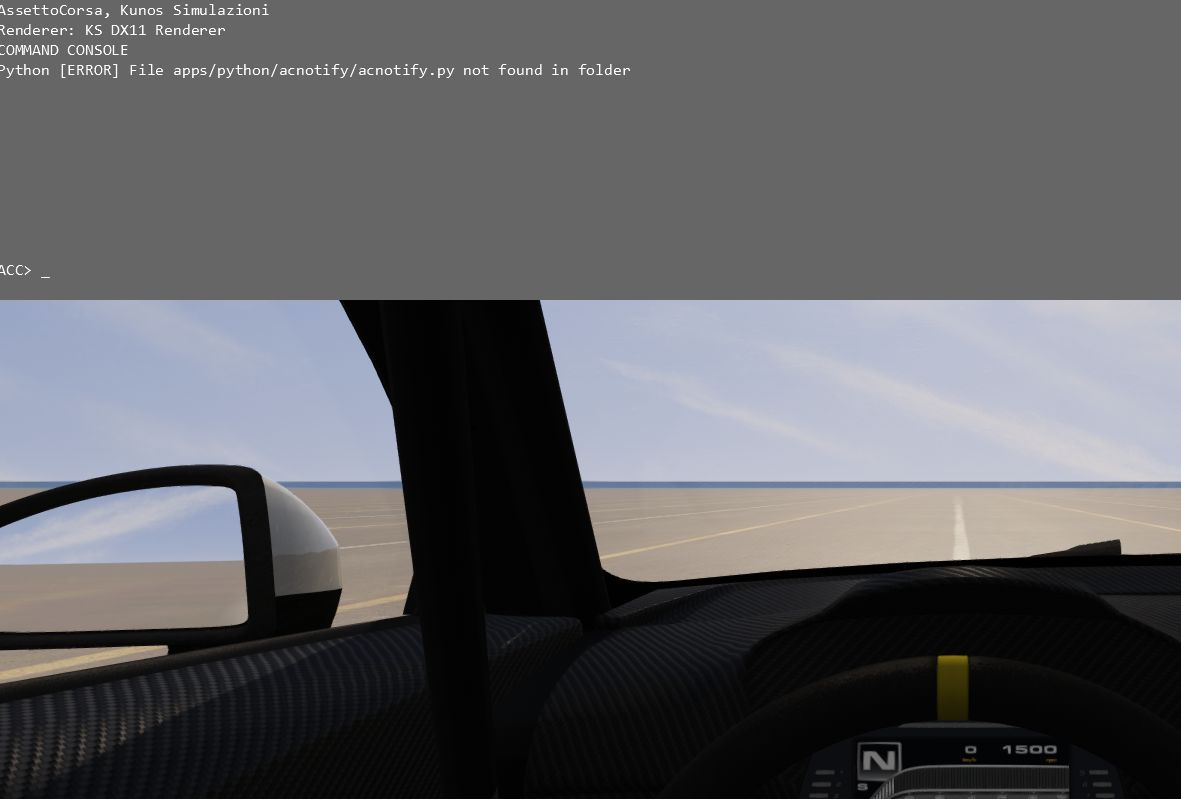
Type one of the commands below to enter edit mode (case sensitive!).
- set observeLights [value]
- set observeFlames [value]
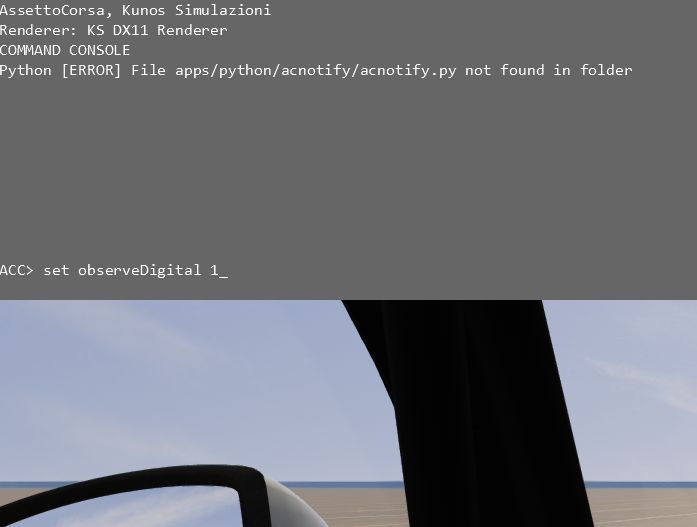
- set observeDigital [value]
- set observePanel [value]
- set editBoxes [value] [Value] can be 1 (game will read the new values in the ini file) or 0 (game will not read the new values; this is the default value). The commands are CASE SENSITIVE. When set to 1, changes to the script in the respective text file will appear in the game real-time.
Contributors: Gergő Panker - lead 3D artist, vehicle production managment @pankykapus Gianluca Miragoli - lead 3D artist, technical lead @yashugan Manuel Darin - staff programmer, beta testing management @6S.Manu Marc Orphanos - external 3D artist, driver rig @the_meco